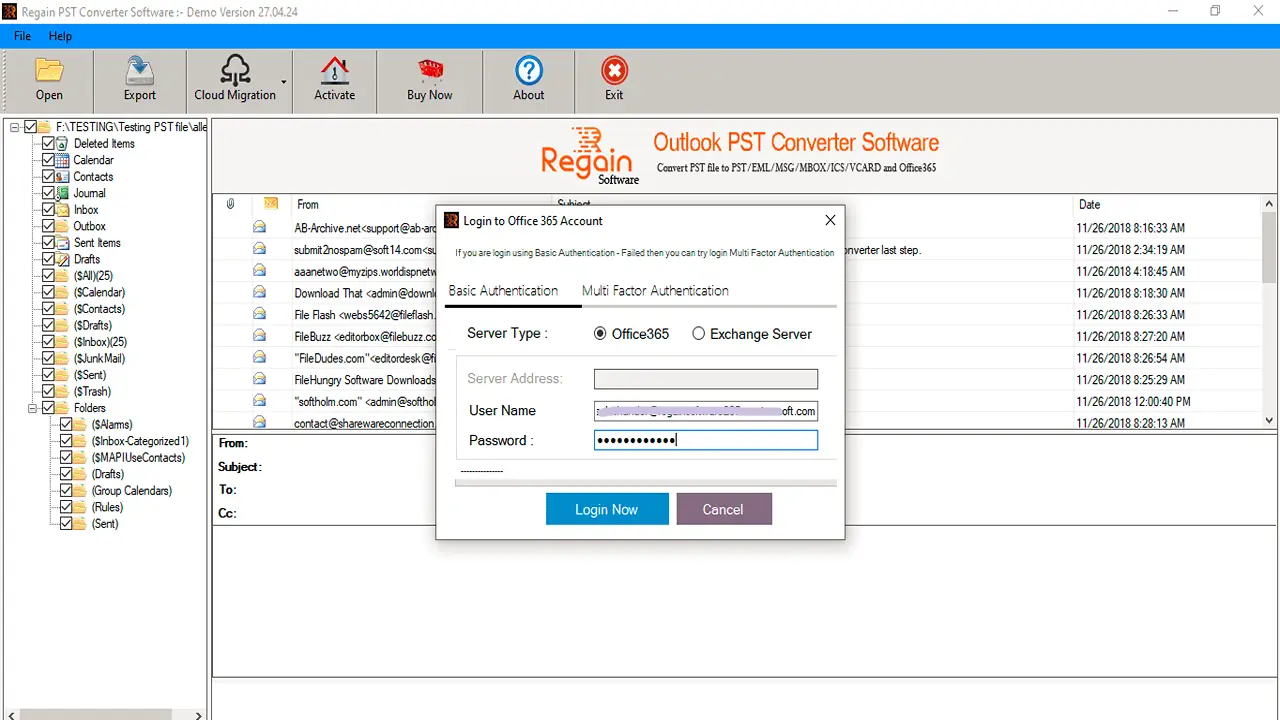
Welcome Screen of Regain PST File Converter Software.

Choose your desired Single / Multiple PST files for conversion.

Display Preview of all scanned PST files.

Choose destination location or Saving file format

Click Convert Now button to Convert PST to selected saving format sucessfully.

PST to Cloud Migration
After Scanning, Click on Cloud Migration button and then import your PST files to Various email servers.
Note: All Email Clients does not allow you to directly connect with Third party tool, To Connect Email Client with the software, You need to follow these steps.
Enter 16 Digit App Generated Password instead of Original Password. Know How to Generate App Password: Click Here

Import PST files to Office 365