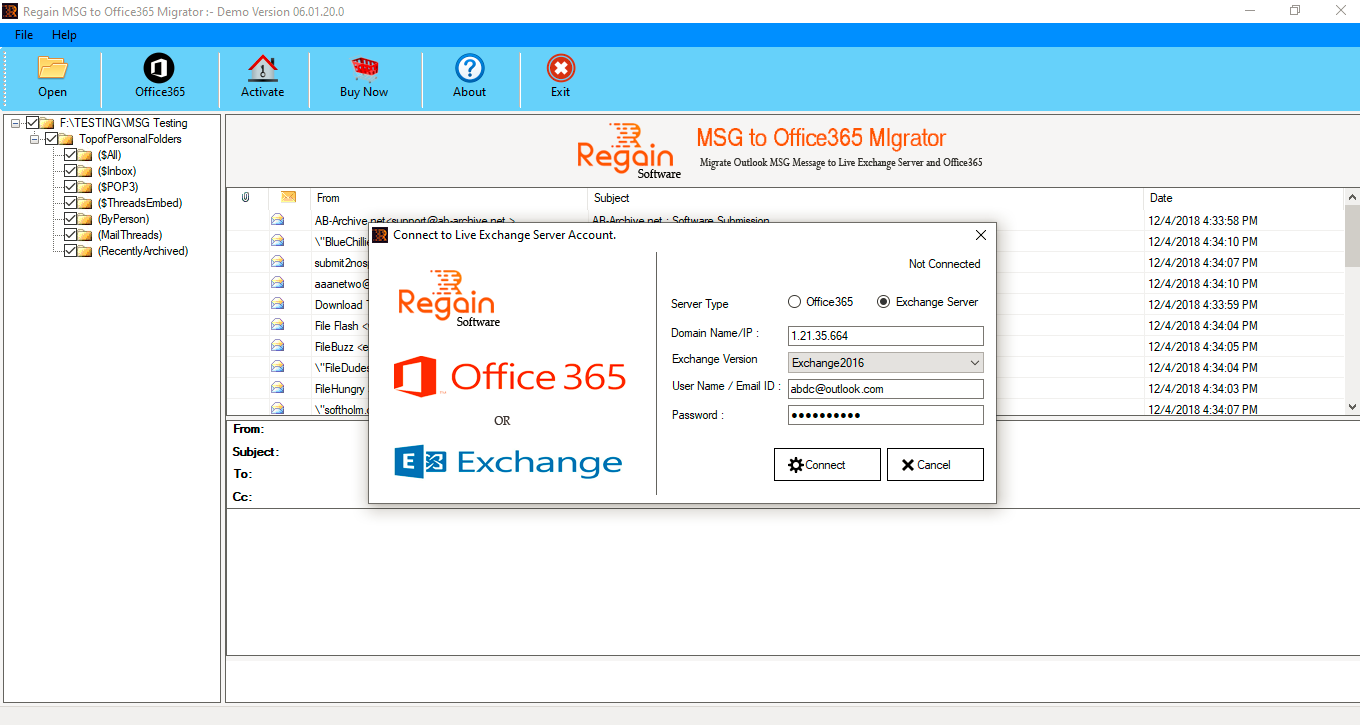
Welcome screen of Regain MSG to Office 365 Migration Software.

Browse and choose MSG files for migration.

Scanning process start by the software.

Software Display the Preview of Mailboxes and asking for the login details of Office 365 account.

If you want to export MSG file to Exchange Server account then, select and enter login details of Live Exchange server.