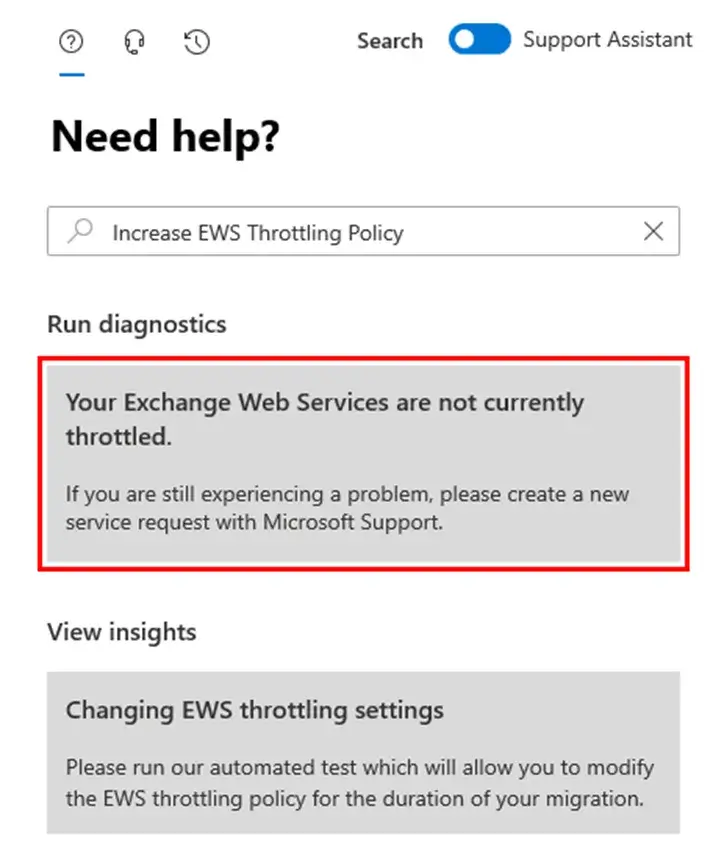
Steps to Disable EWS Throttling in Exchange Online
Sign in to the Office 365 Admin page. Click Here
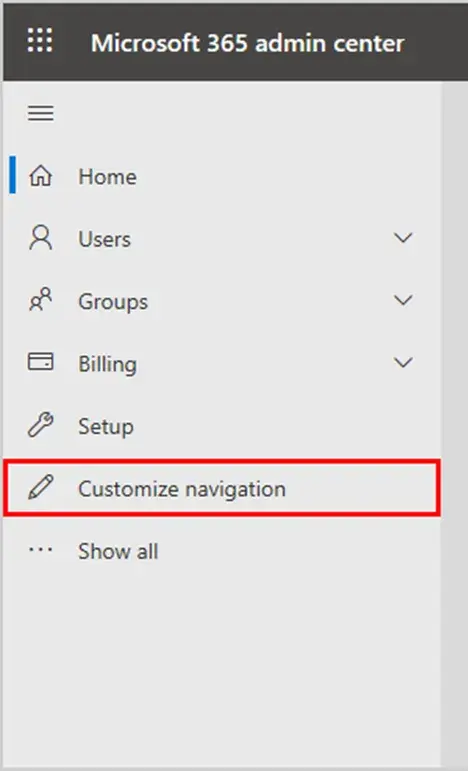
Click on Customize navigation in the feature pane.
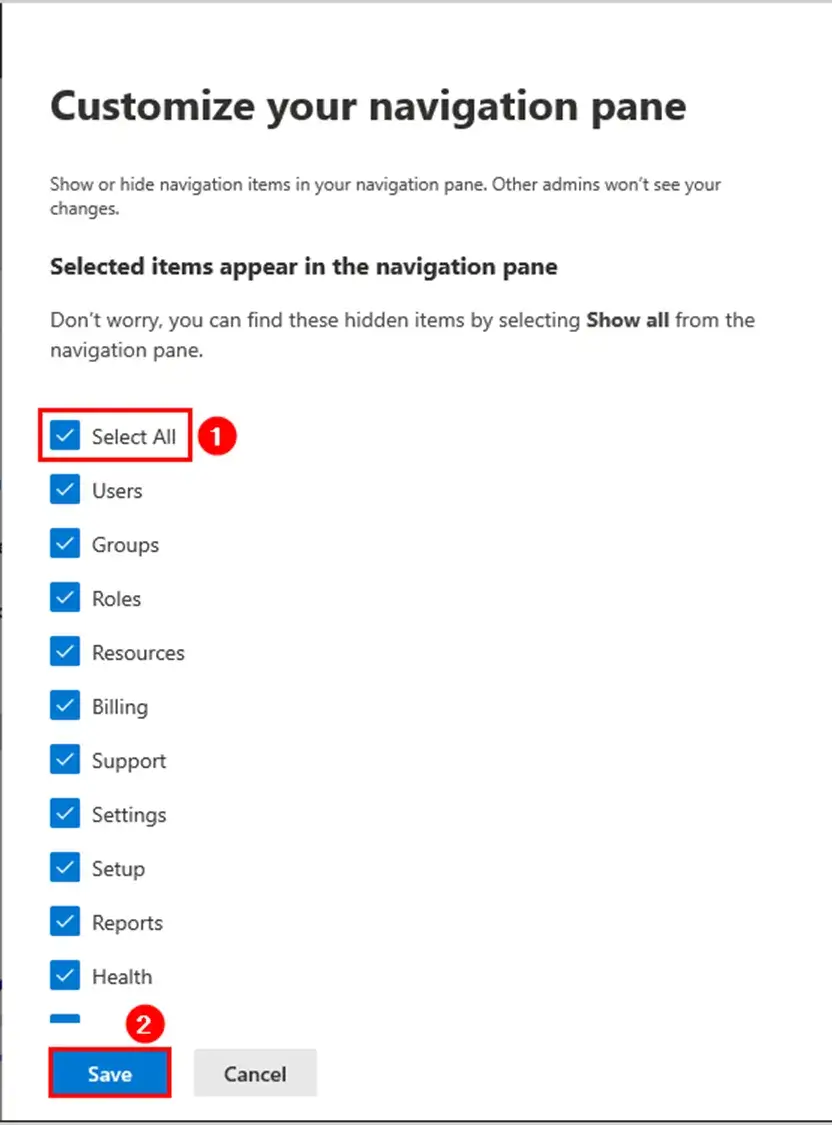
Check the Select All and click Save.
Click on Support and Select New Service Request.
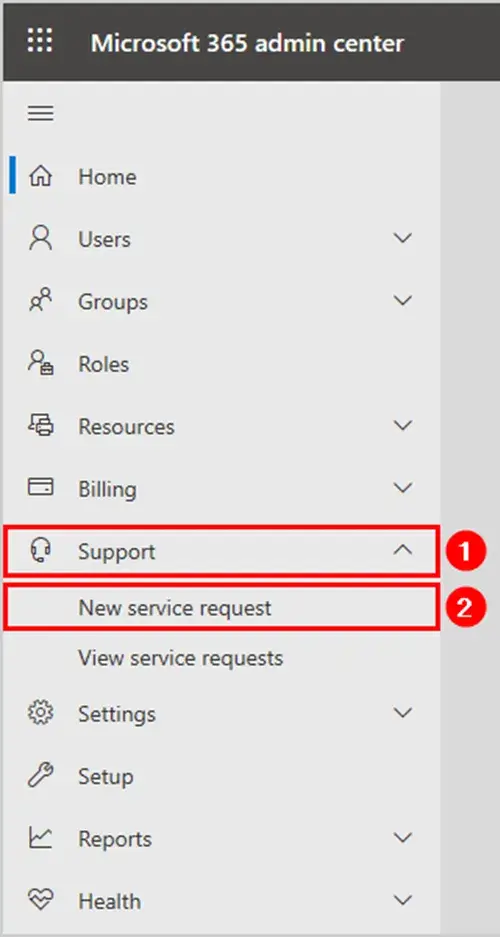
Search for EWS Throttling
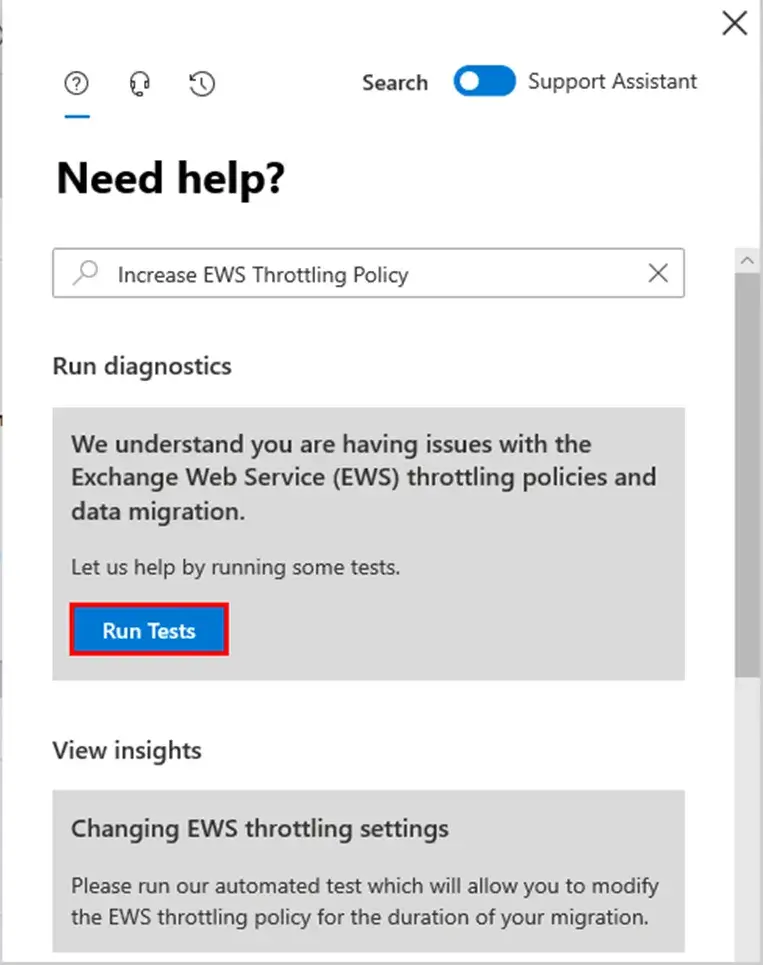
In the search field, search for EWS Throttling. Select Increase EWS Throttling Policy from the list and press Enter.
Click on Run Tests.
Allow the diagnostics test to complete
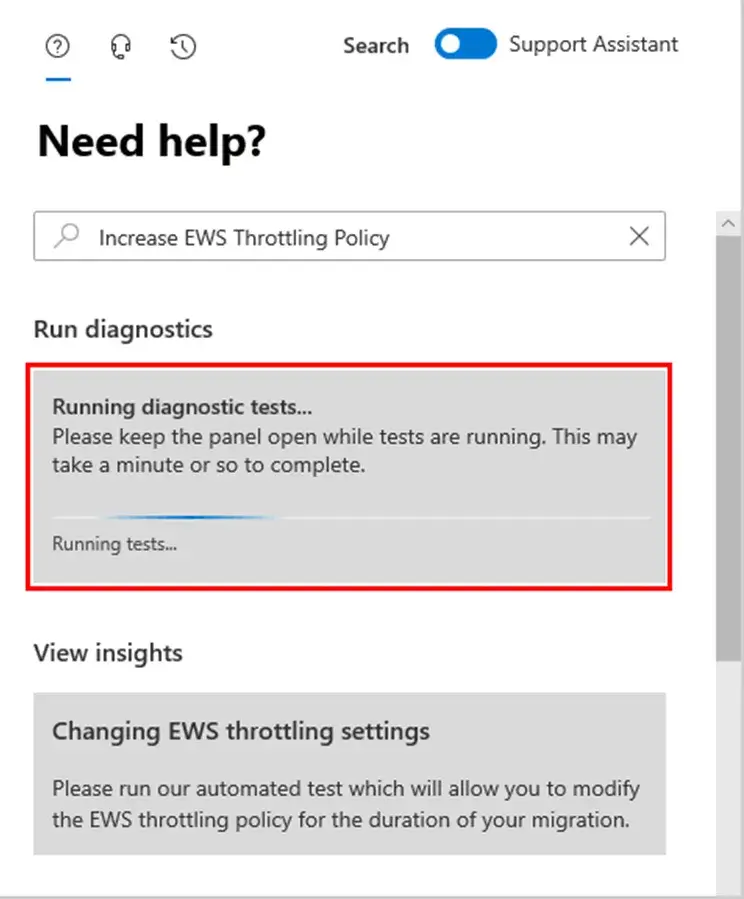
Once completed
select the option of 30, 60, or 90 days for which the EWS Throttling Policy will be disabled. Ensure the acknowledgment checkbox is checked. Click on Update Settings.
Select the option of 30, 60 or 90 days
EWS throttling will now be removed for the duration you specified.
The update to the Exchange Web Services (EWS) throttling policy has been initiated. The update will be completed within 15 minutes
Run the test (Step 6) after 15 minutes to verify that the throttling has been disabled.