Uninstall from the Windows Start Menu
Execute the following steps to uninstall Regain Office 365 to PST Converter software from the Windows Start menu:
- Click Start → All Programs → Regain Office 365 to PST Converter software → Uninstall Regain Office 365 to PST Convertersoftware. A warning message appears before uninstalling the software.
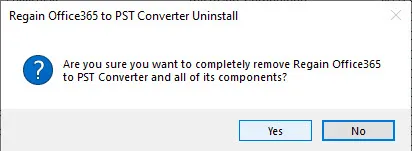
- Click Yes to continue with the uninstalling process for Regain Office 365 to PST Converter software followed by “Regain Office 365 to PST Converter software was successfully removed from your computer” message.
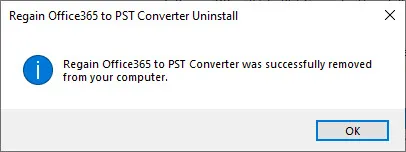
- Click OK to complete the Regain Office 365 to PST Converter software uninstallation process.
Regain Office 365 to PST Converter software is successfully uninstalled from your computer system.

