Regain Office 365 to PST Converter

Backup to MAC EMLX

Follow the below steps to backup to Mac EMLX file from Office 365 account using Regain Office 365 to PST Converter software:

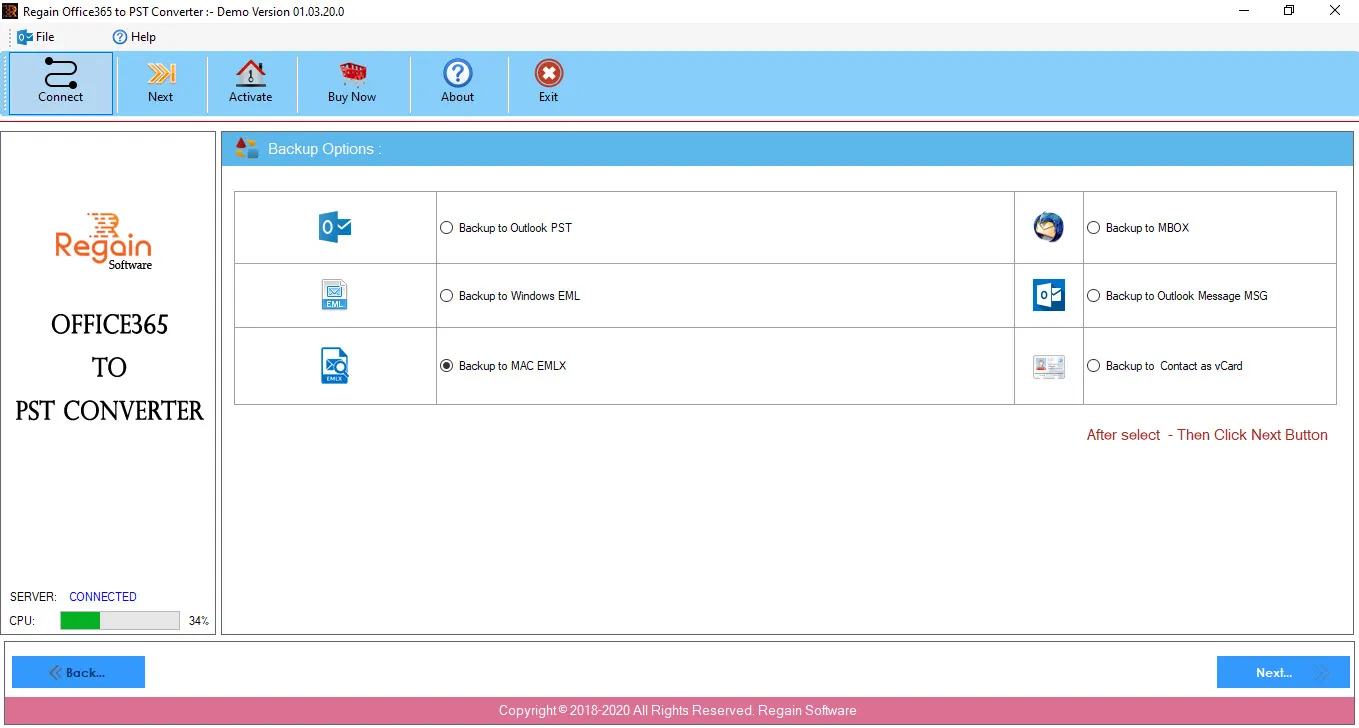
  1. Select Backup to Mac EMLX option to backup Office 365 account to Mac EMLX file.
  2. Click Next.
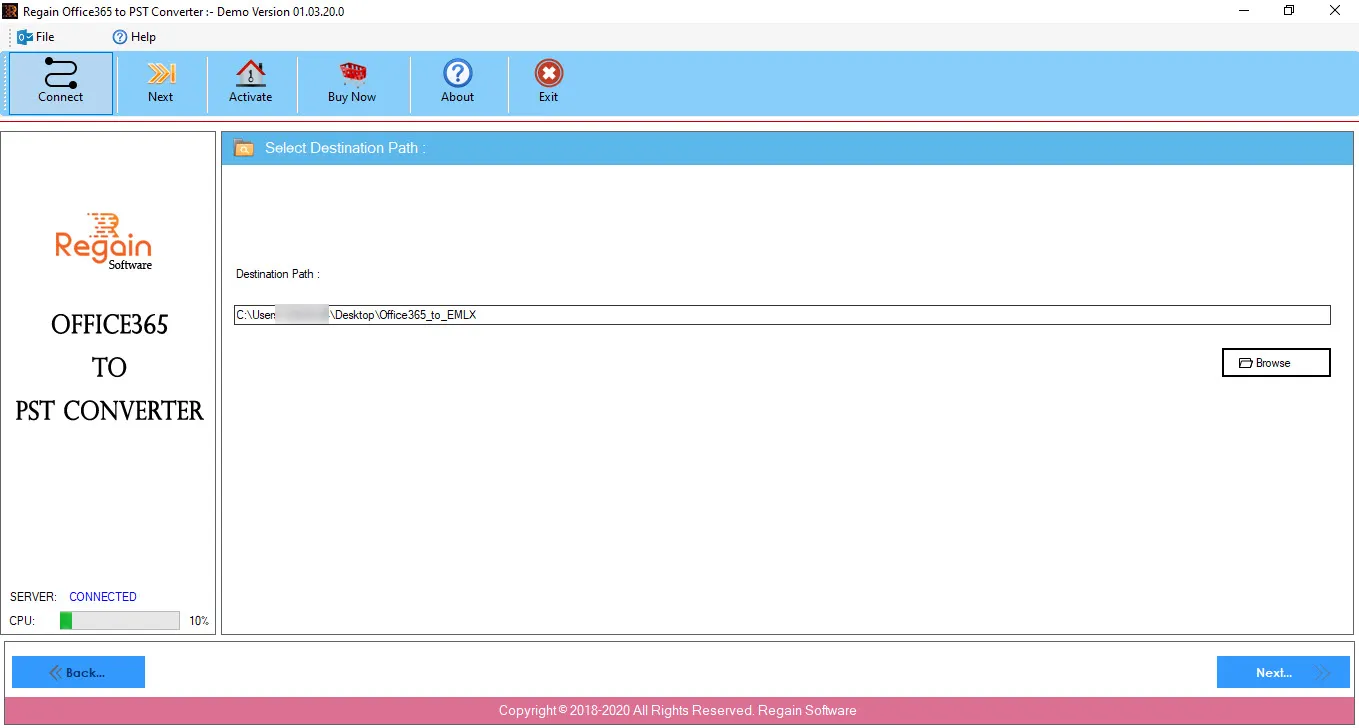
  3. In the Select Destination Path screen, click Browse to provide the destination path of Mac EMLX file.
  4. Click Next to proceed.
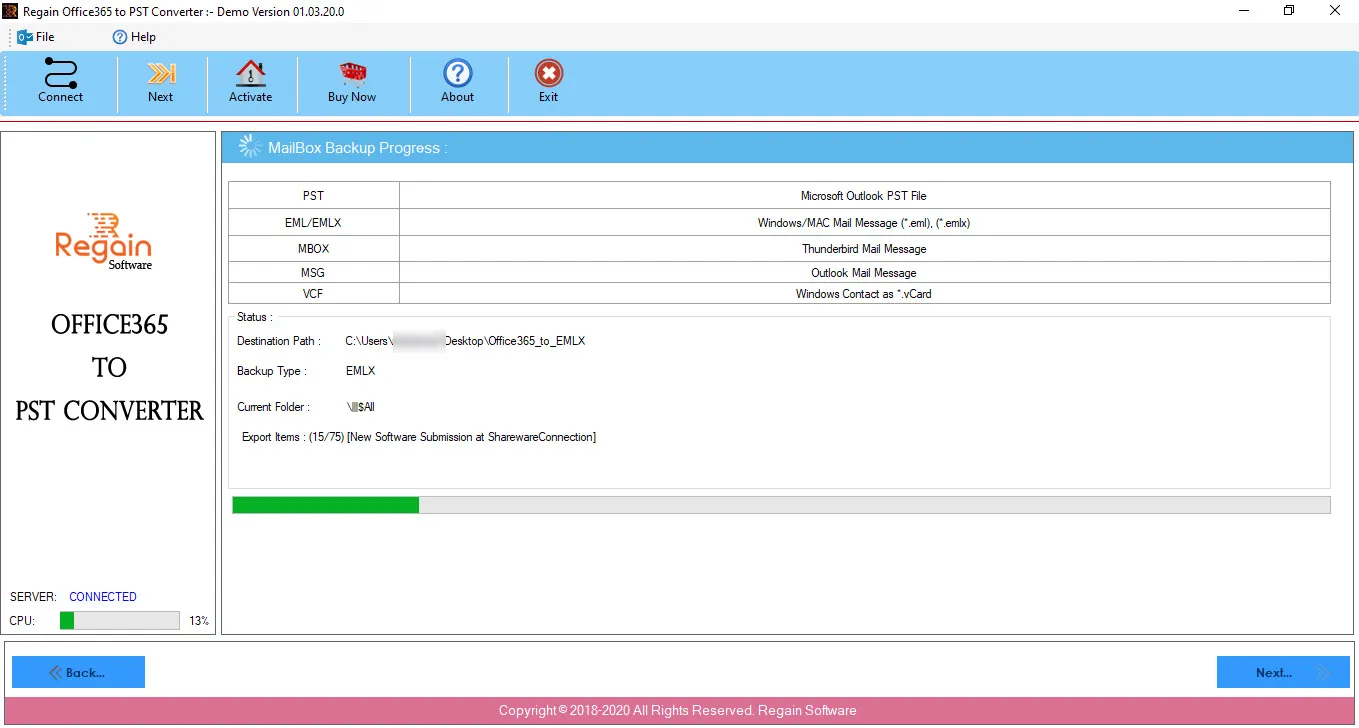
  5. The Office 365 to PST Converter software starts performing the migration process from Office 365 to Mac EMLX file and displays the progress as:
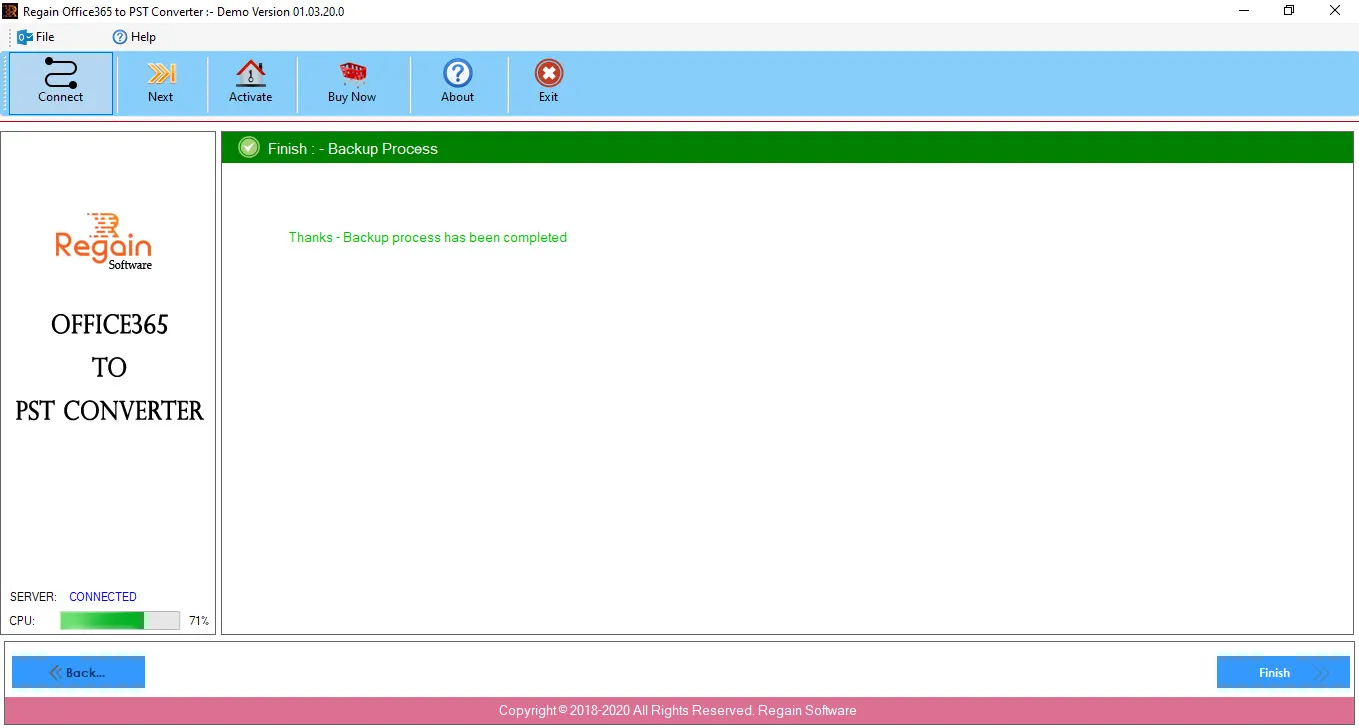
  6. On completion of backup process from Office 365 to Mac EMLX file, the software displays the success message as:
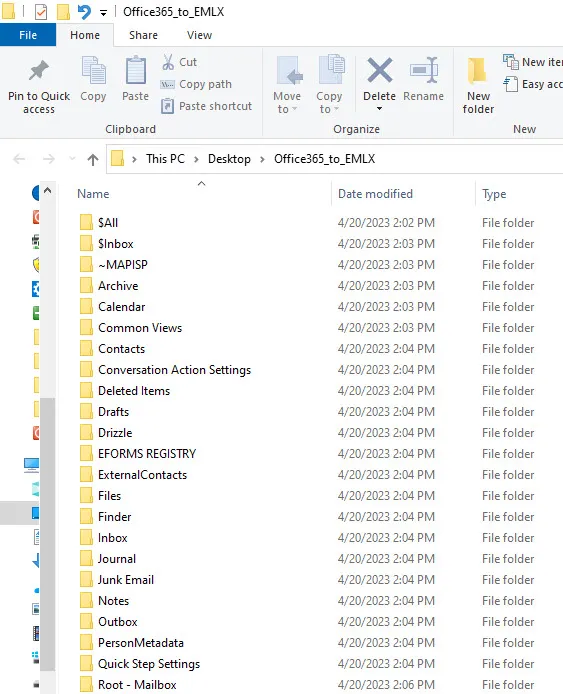
  7. And opens the folder location where the Mac EMLX file gets saved.
  8. Click Finish, the software gets closed.