Backup to Outlook PST
Follow the below steps to backup to Outlook PST file from Office 365 account using Regain Office 365 to PST Converter software:
- Select Backup to Outlook PST option to backup Office 365 account to Outlook PST file.
- Click Next.
- In the Select Destination Path screen, click Browse to provide the destination path of Outlook PST file.
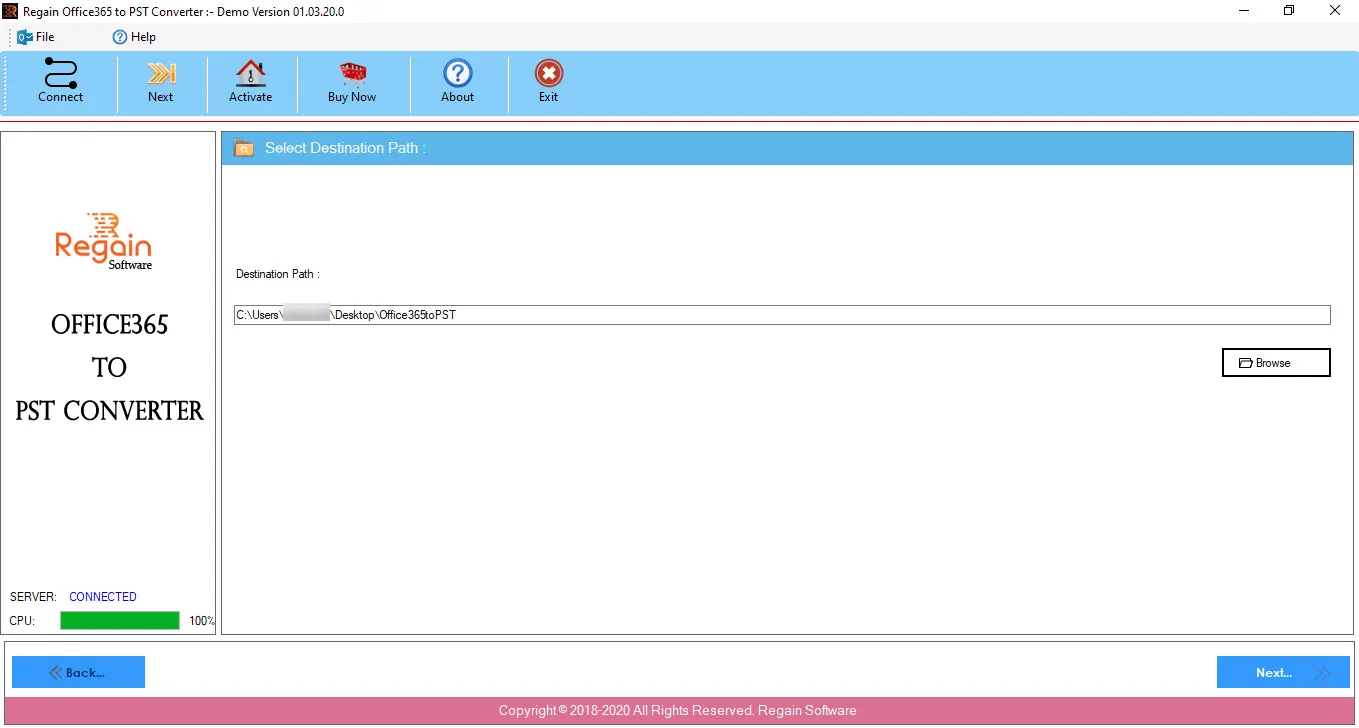
- Click Next to proceed.
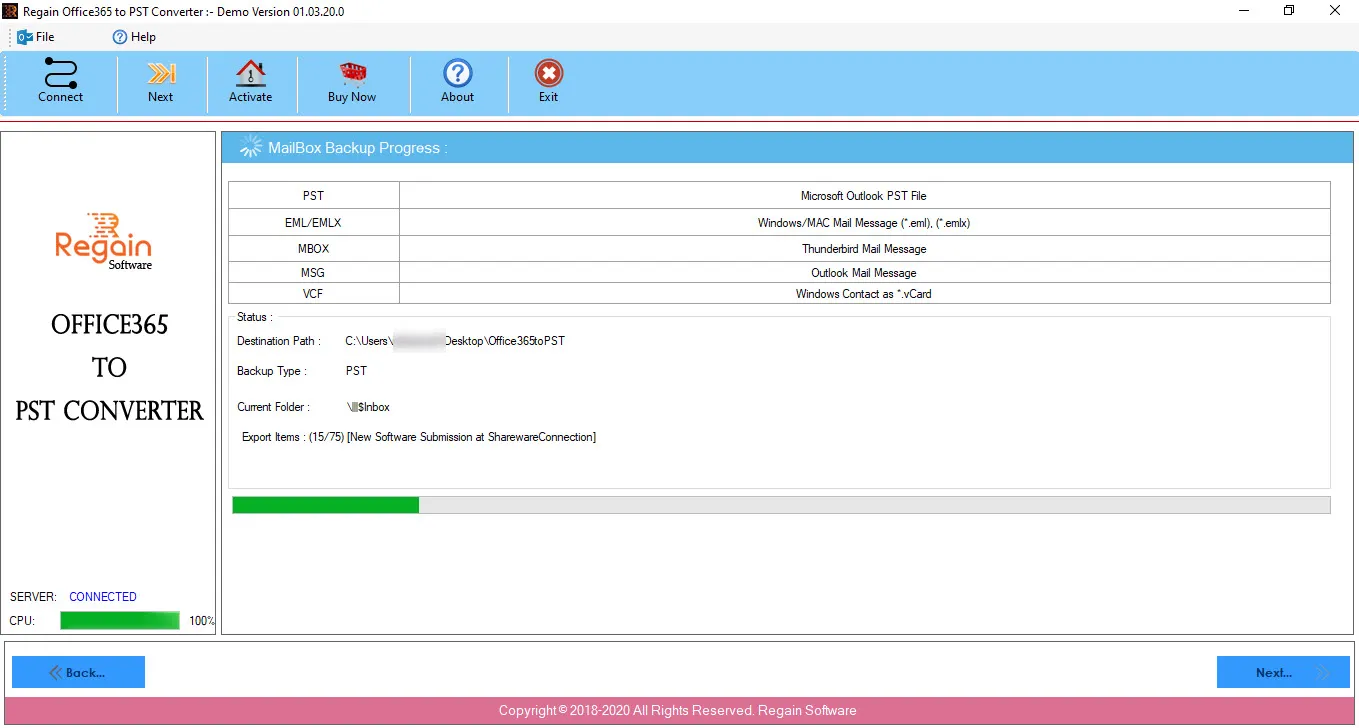
- The Office 365 to PST Converter software starts performing the migration process and displays the progress as:
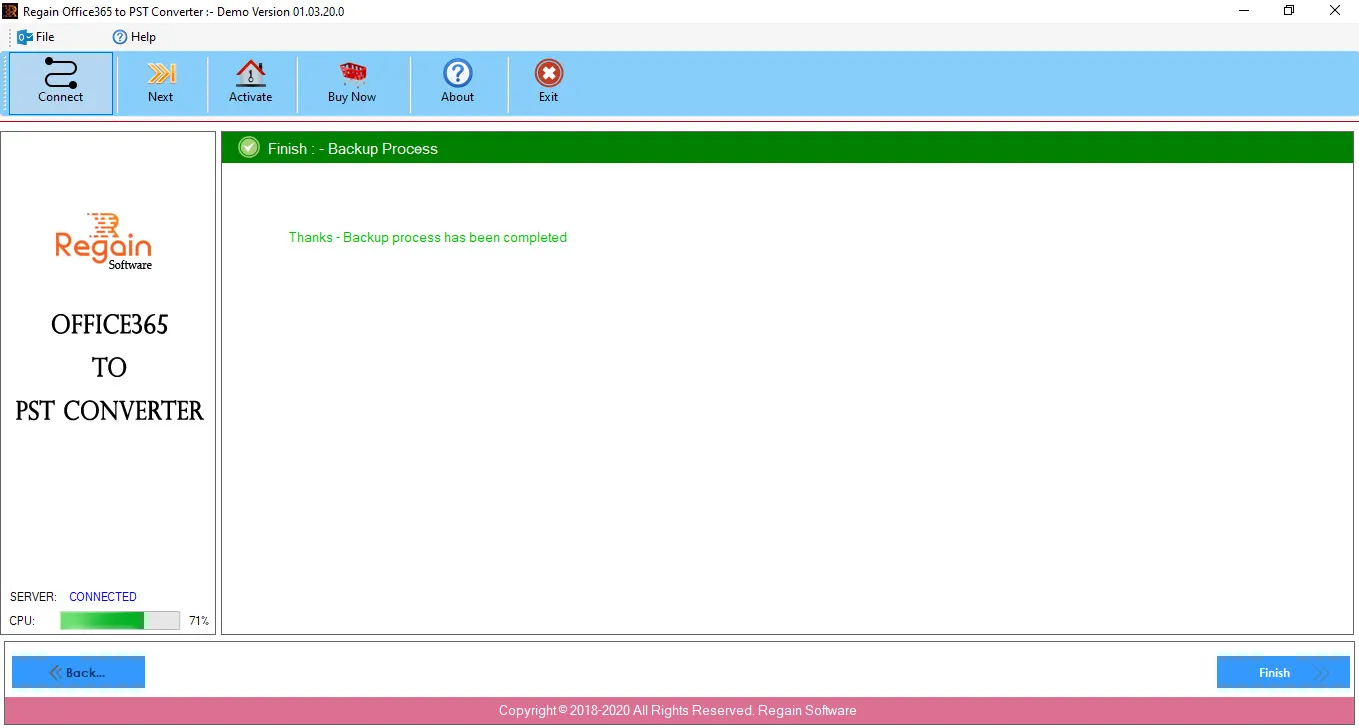
- On completion of backup process, the software displays the success message as:
- And opens the folder location where the Outlook PST file is saved.
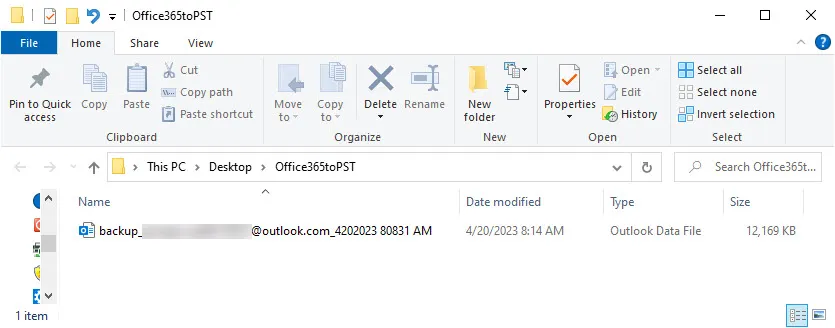
The format of the created Outlook PST file is backup_Office365account_MMDDYYYY HHMMSS AM/PM.
- Click Finish, the software gets closed.

