Save to PST - Migrate to Existing PST File
To save the Excel file Contacts and Calendar entries in an existing PST file, perform the steps as below:
- Click Browse to locate an existing Outlook PST file.
- Select the Save Option as Save To PST – Migrate to Existing PST File.
- In case of contacts conversion from Excel to PST, select checkbox “Merge All Contact” if you want to merge all the contacts.
- In case of calendar items conversion from Excel to PST, select checkbox “Merge All Calendar Items” if you want to merge all the calendar items.
- Click Next.
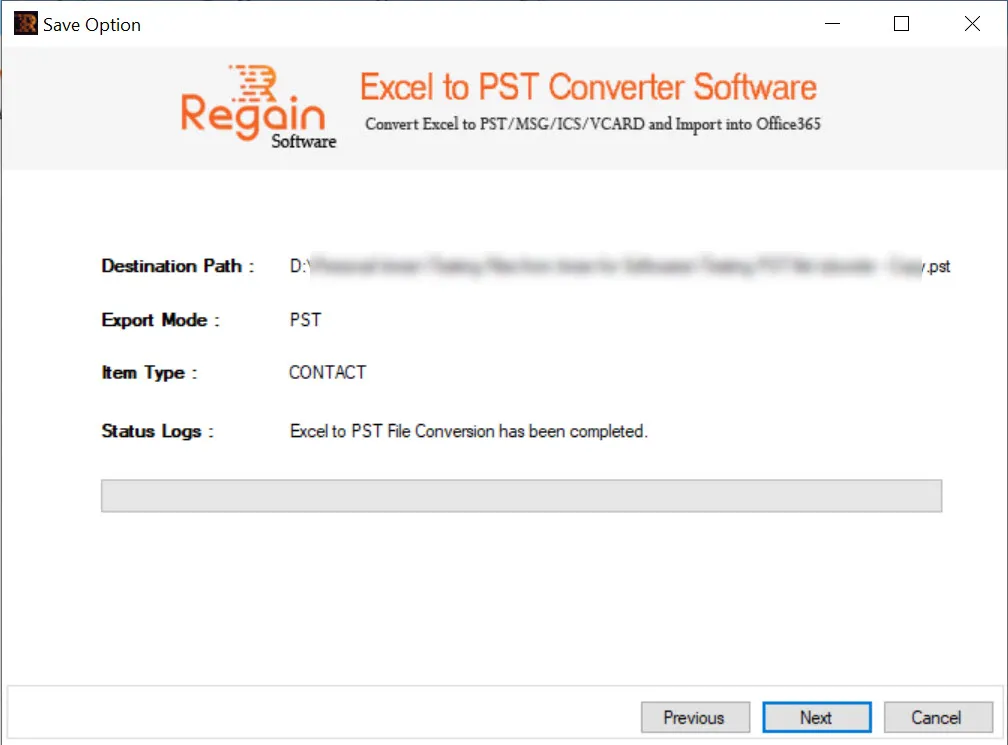
- The software performs the Excel to PST file conversion for contacts and on completion displays the success message as:
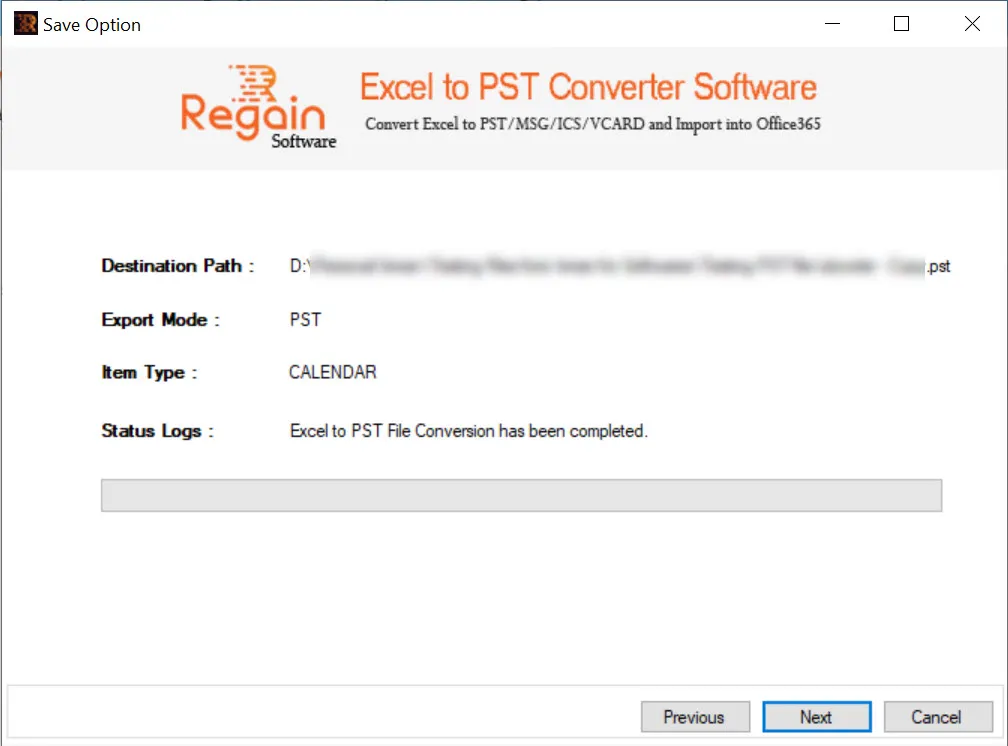
- In case of completion of calendar entries from Excel to PST file, the software displays the success message as:
- Click Next to close the window.

