Save to ICS - Calendar
To save the Excel file Calendar entries in ICS file format, perform the steps as below:
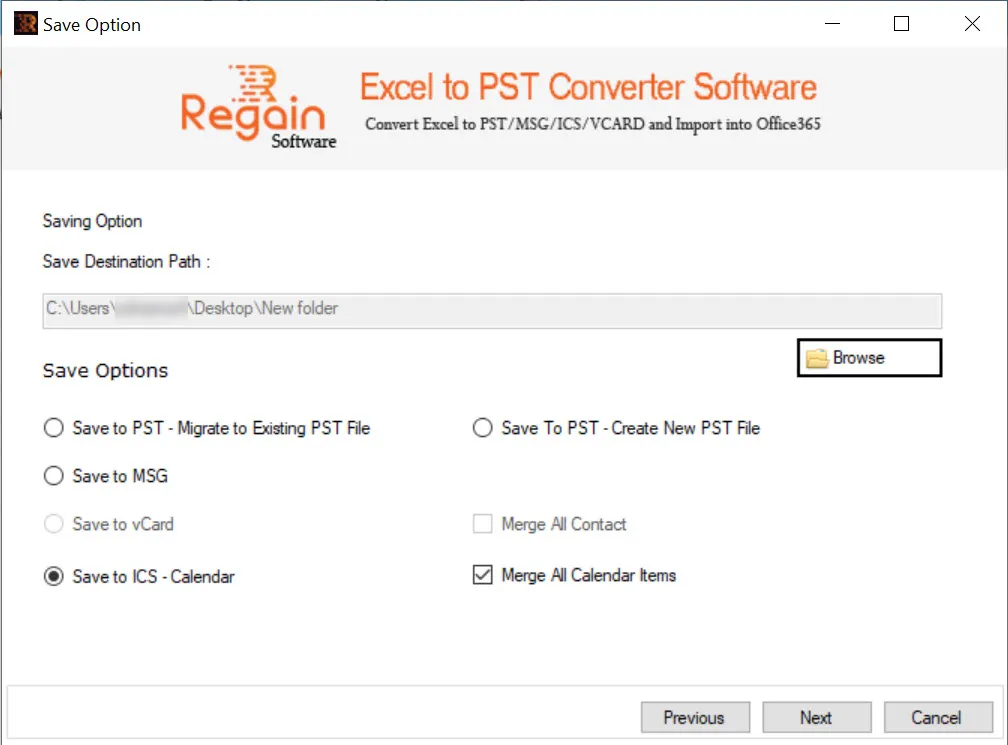
- Click Browse to provide destination path for the ICS file.
- Select the Save Option as Save To ICS - Calendar.
- Select checkbox “Merge All Calendar Items” if you want to merge all the calendar entries.
- Click Next.
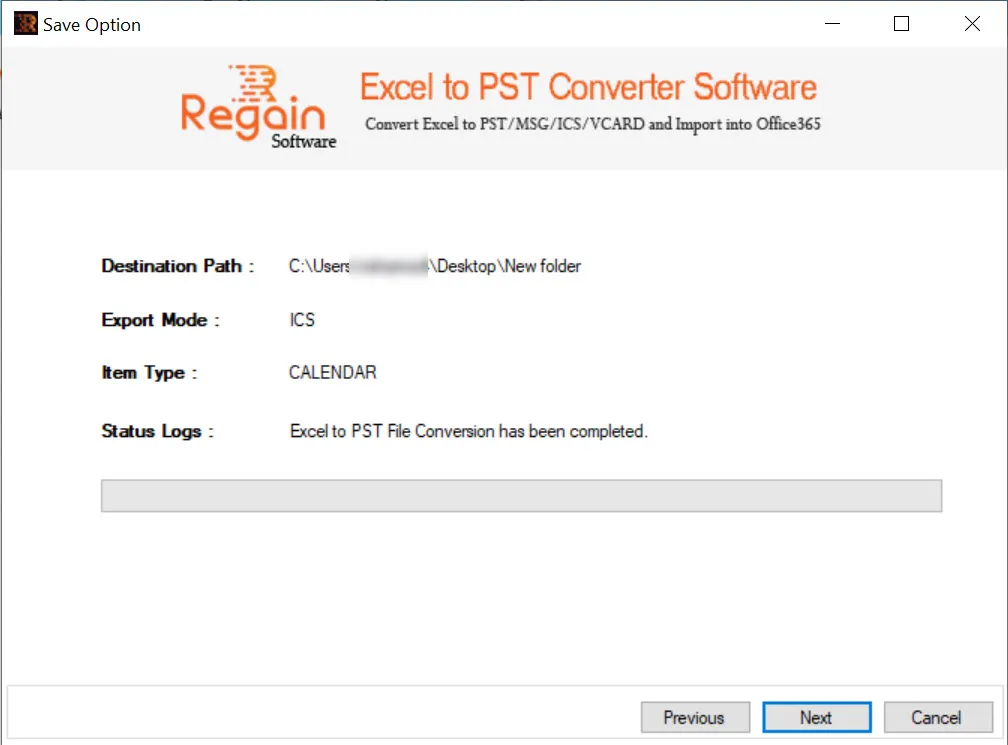
- The software performs the Excel to ICS file conversion for calendar items and on completion displays the success message as shown below and opens the folder location of ICS file:
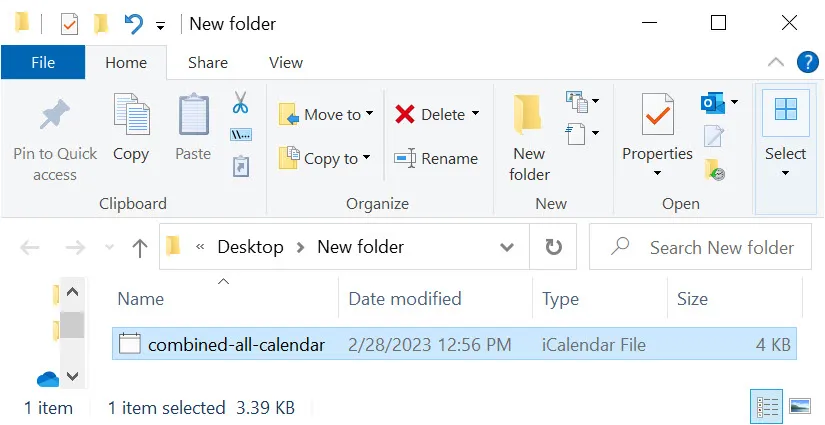
For “Merge All Calendar Items” option selected, a separate “combined-all-calendar” iCalendar File (.ics) is created.
- Click Next to close the window.

