Save To MBOX
Select the Export Option as Save To MBOX to save the OLM file data into MBOX file format. To save the OLM file data in MBOX file format, perform the steps given below:
- After the data is enlisted in the left pane, click File --> Convert or click Export button and select the Save To MBOX option.
- Click Browse to select the destination path where you want to save the mailbox.
- Select checkbox “Merge All Items into Single MBOX File” if you want to merge all OLM mailbox items into a single MBOX file.
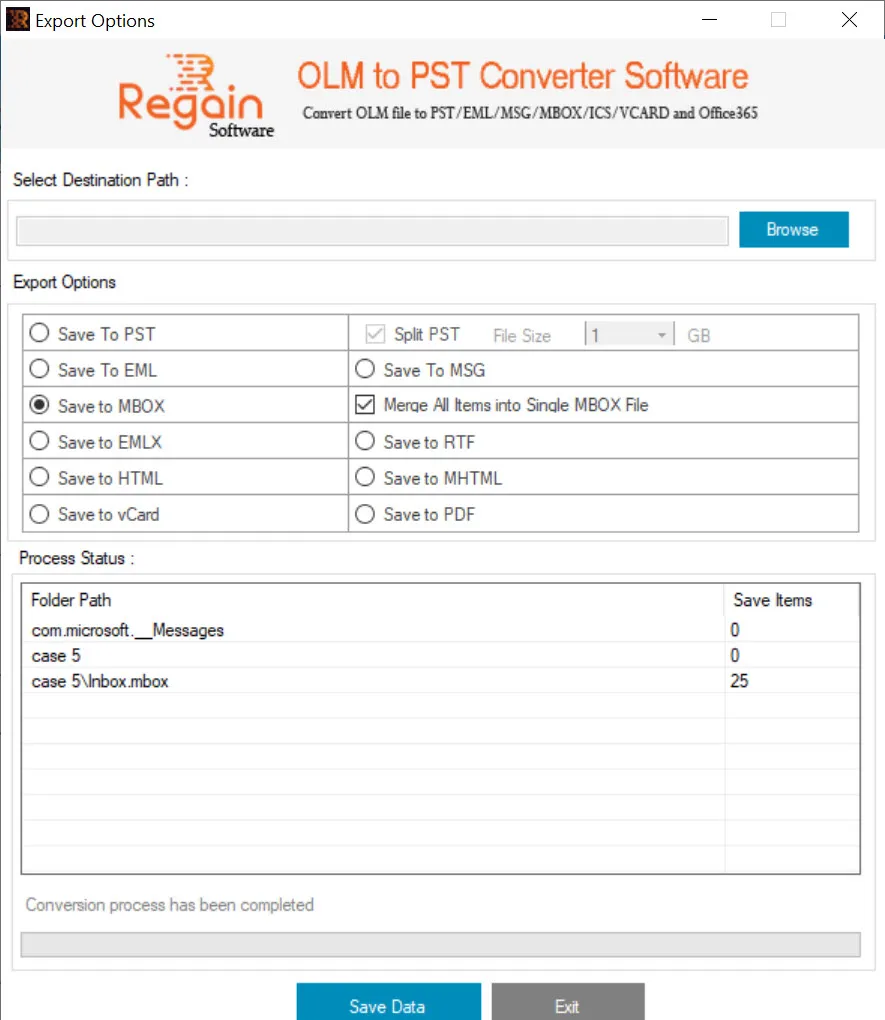
- Click Save Data to proceed with conversion of OLM file in MBOX file format.
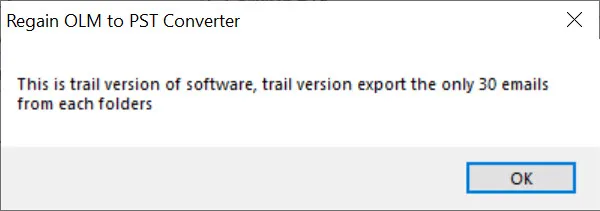
Note: The demo/trial version will only export first 30 emails from each folders.
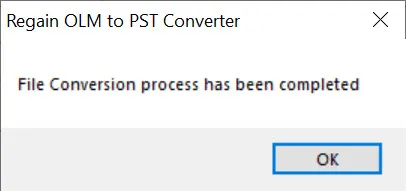
- The software starts the email conversion process and on completion displays the success message as "File Conversion process has been completed".