Uninstall from the Windows Start menu
Execute the following steps to uninstall Regain Outlook PST Merge software from Windows Start menu:
- Click Start → All Programs → Regain PST Merge → Uninstall Regain PST Merge. A warning message appears before uninstalling the software.
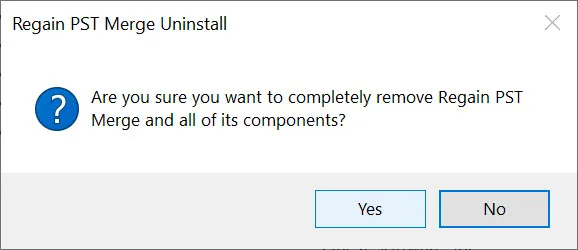
- Click Yes to continue with the uninstalling process for Regain Outlook PST Merge software followed by “Regain Outlook PST Merge was successfully removed from your computer” message.
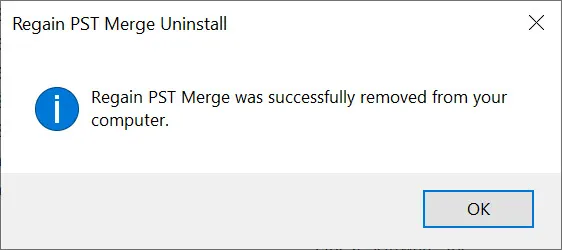
- Click OK to complete the Regain Outlook PST Merge software uninstallation process.
Regain Outlook PST Merge software is successfully uninstalled from your computer system.

